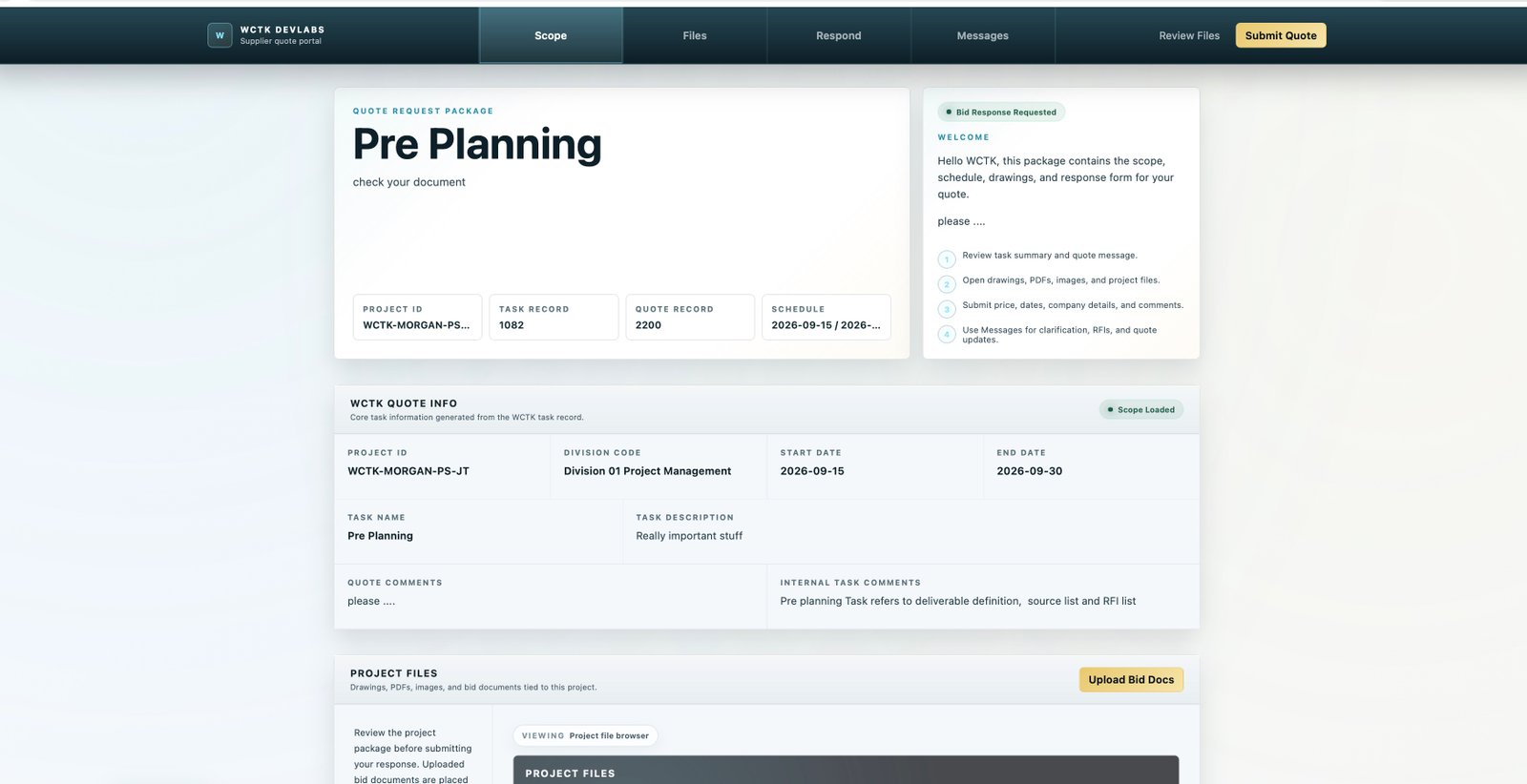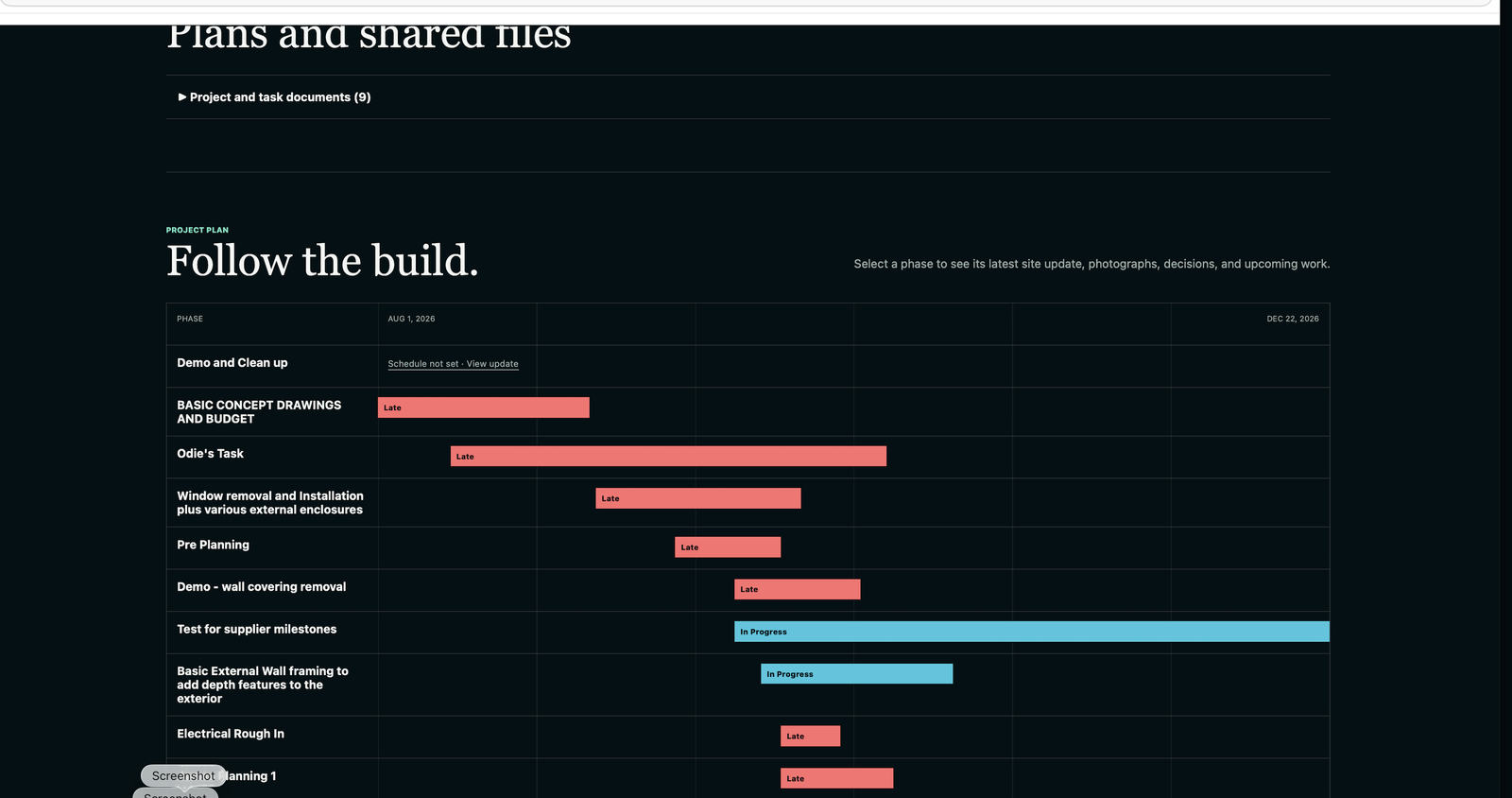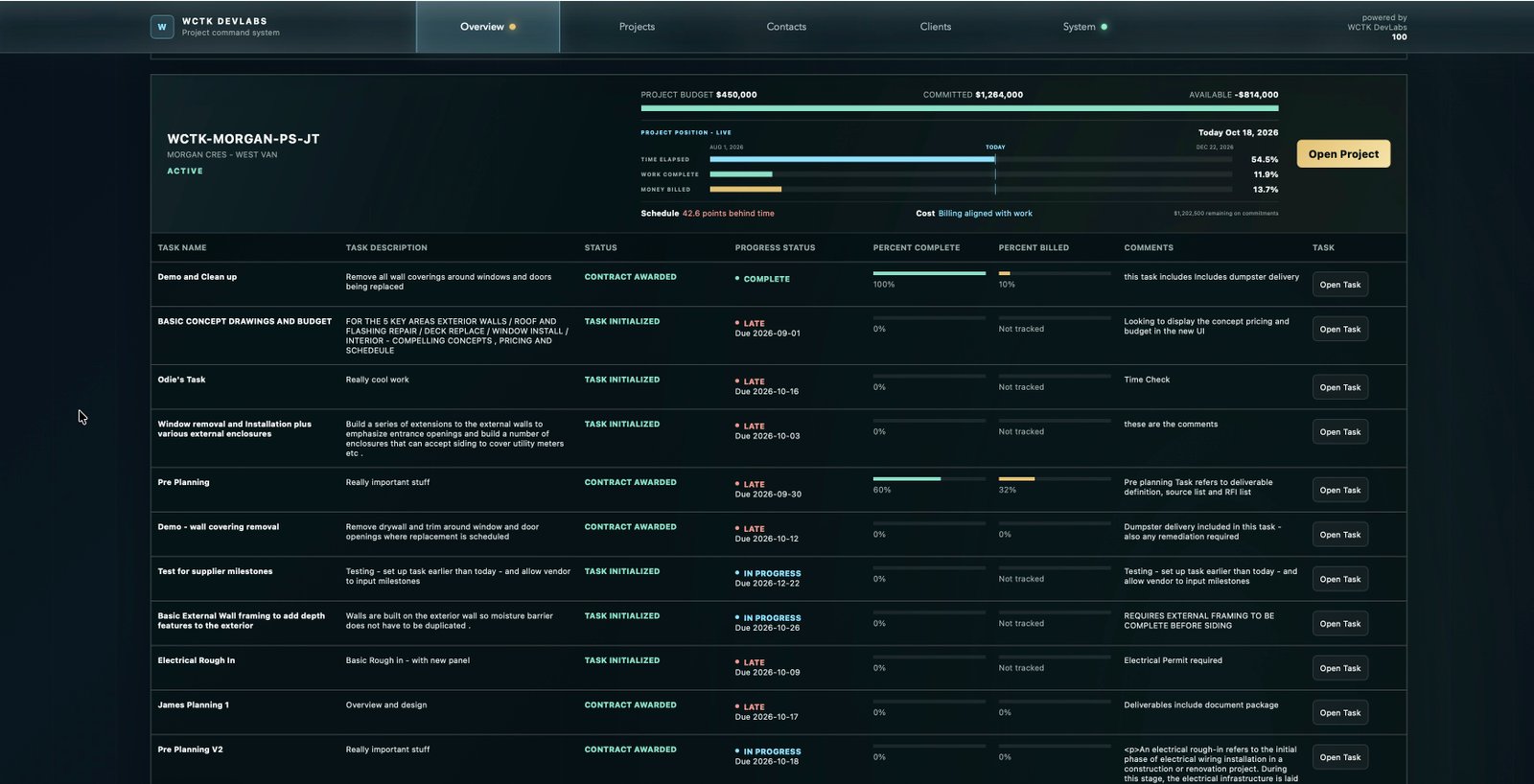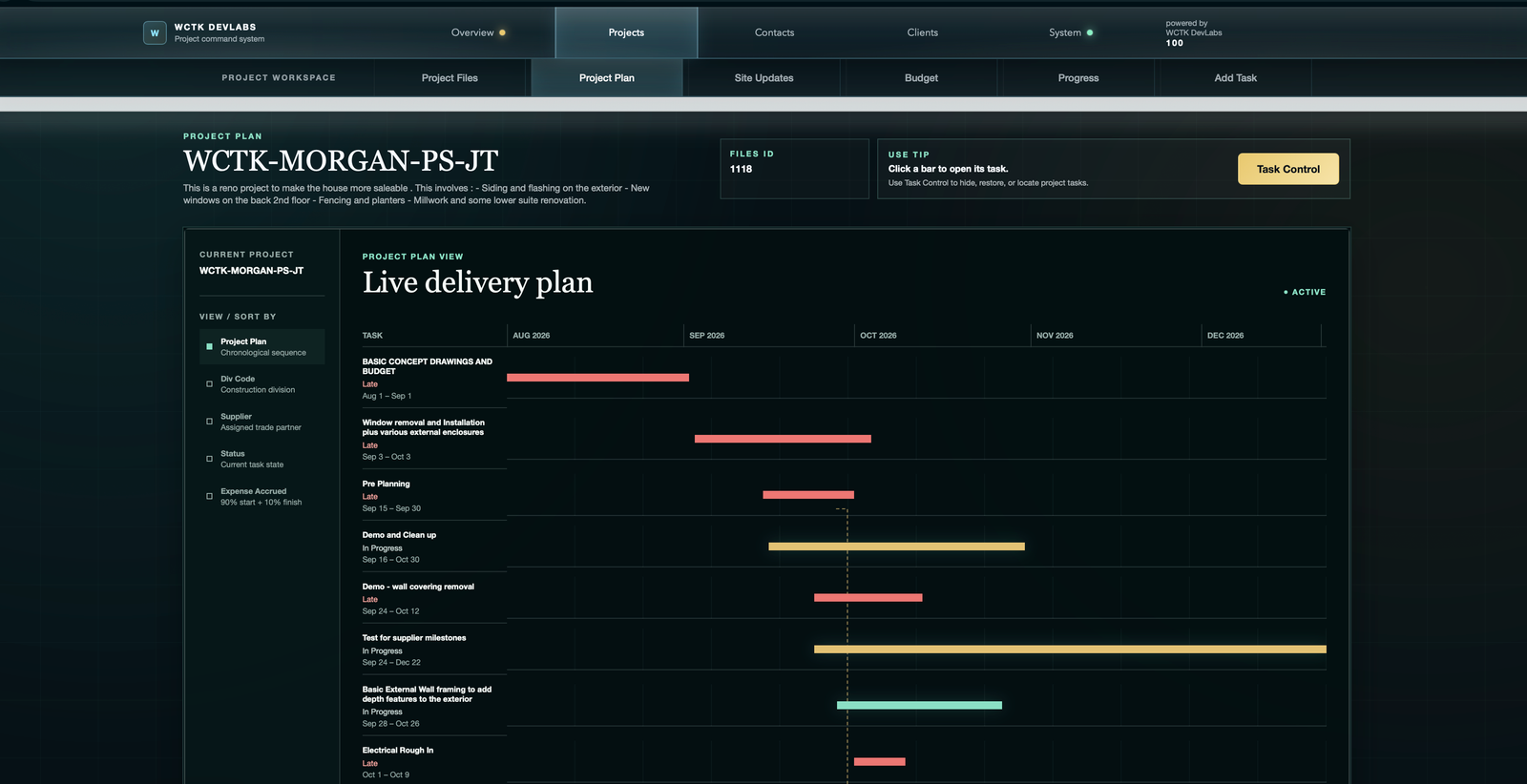
Field guide / 01
Tasks & project plans
Start with the project plan, open a task and follow its documents, communications and progress.
- Project schedule and late tasks
- Project versus task document libraries
- Work complete, billing and elapsed time
Start with Control Tower
See the connected timeline before exploring the individual workflows below.
Open the Control Tower guide →Task Engine / Resources & field guides
See what happens after the overview. Follow the real screens, understand the records and explore the workflows behind your next project.
These TaskEngine field guides accompany the shared Builder_TE and Designer_TE workflows shown on this site. Screenshots retain TaskEngine and WCTK demo branding. Examples are historical, not live project results; screen values from different dates should not be reconciled as one accounting snapshot.
Field guide / 01
Start with the project plan, open a task and follow its documents, communications and progress.
Field guide / 02
Follow a work package from the quote request through the supplier portal, response review and contract milestones.
Field guide / 03
See how site reports, shared files and client conversations connect to the project record.
Field guide / 04
Move from the portfolio overview into the task, budget or conversation that needs attention.
No matching guides. Try tasks, supplier, clients or progress.
Choose a starting point
Start with tasks and project plans, then move to quotes and budget reporting.
Builder_TE for builders →Start with the document libraries and client updates, then explore supplier coordination.
Designer_TE for designers →Put your project in the picture
The guides show the workflow. A walkthrough is a chance to discuss your own projects, responsibilities and delivery process.